Photo to Pencil Sketch
Transform any photo into a realistic pencil drawing with precision-engineered strokes, delicate crosshatching, and natural shading.
Photo to Sketch is the #1 AI-powered app to turn photos into pencil sketches, watercolor paintings, vintage art, outline drawings, and cartoon effects. Download the free photo to sketch converter app on Google Play with 100K+ downloads. Transform any photo into a stunning sketch in seconds.
Transform your everyday photos into stunning pencil sketches, vibrant watercolors, and high-end AI art — all seamlessly from your phone.
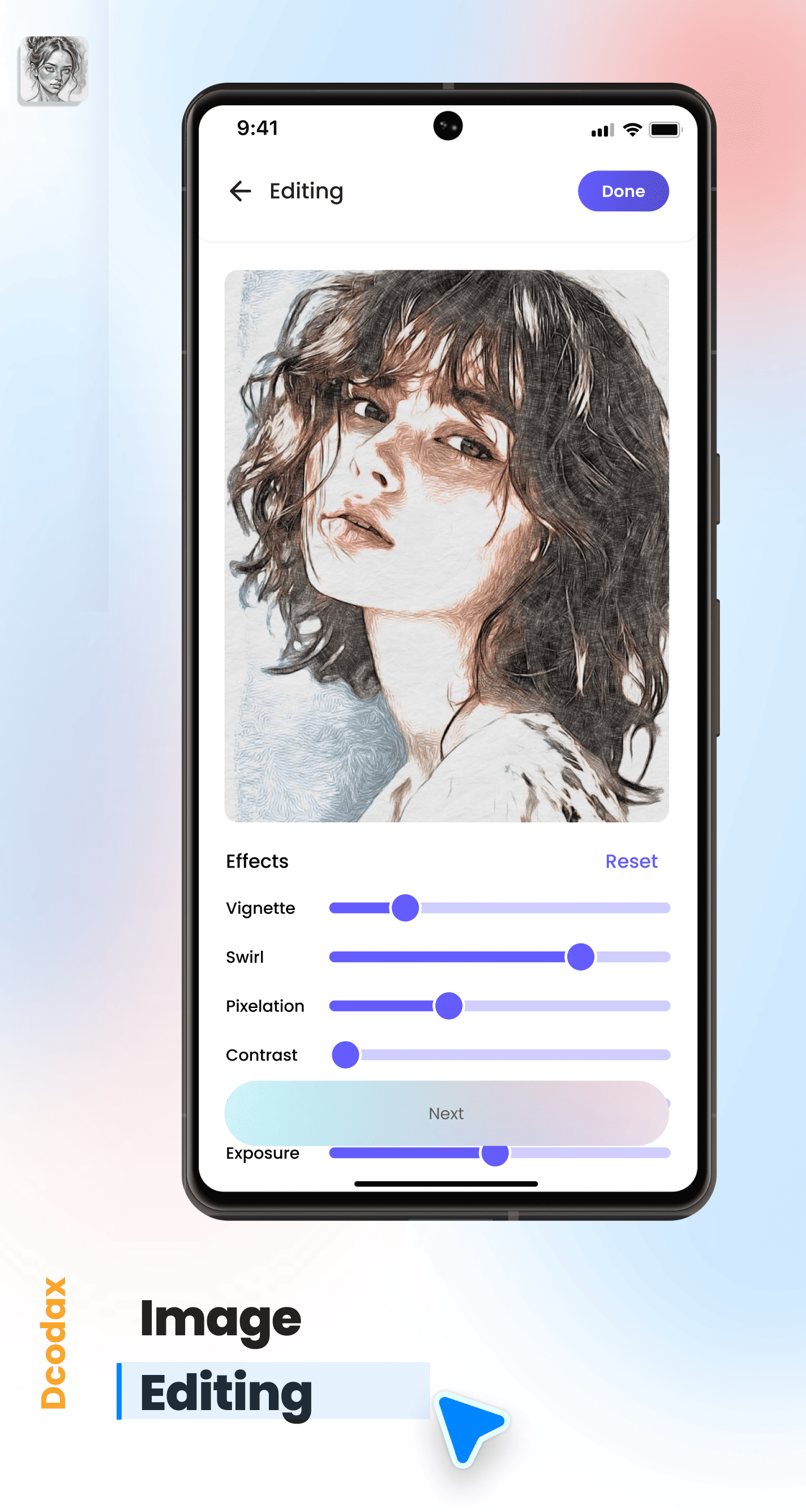
Master every medium, without lifting a brush
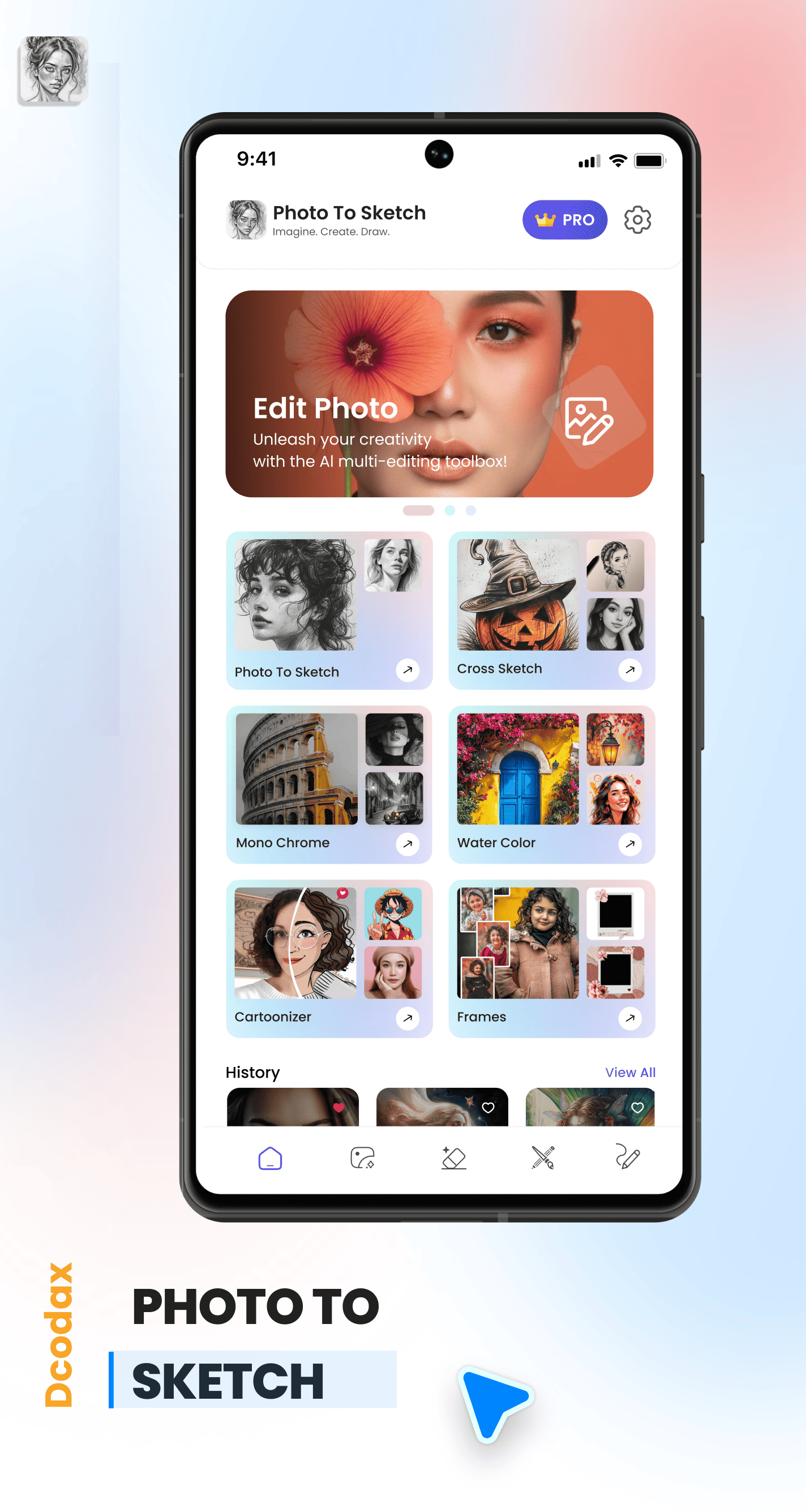
Transform photos into stunning pencil sketches with precision-engineered strokes and delicate crosshatching.
Clean contours and minimalist line art. The perfect foundation for precision and clarity.
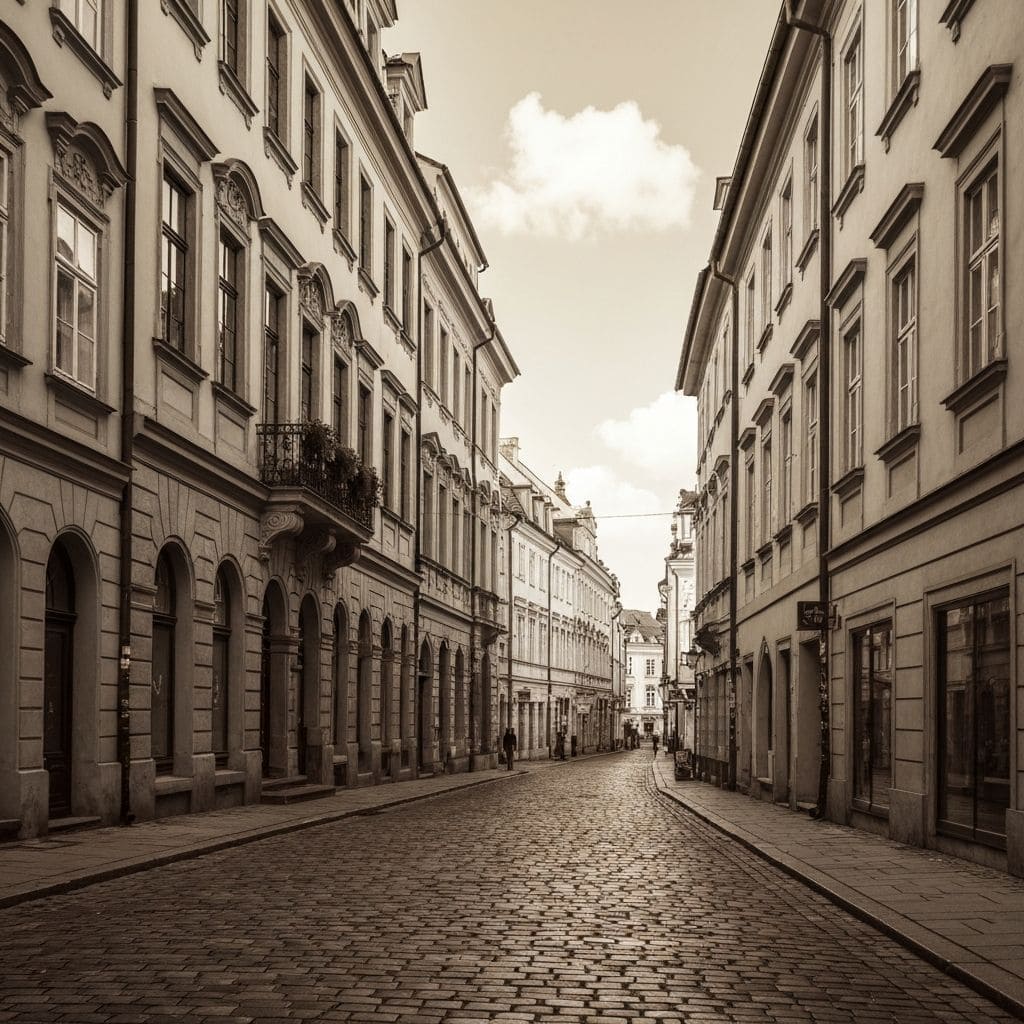
Capture the soul of the past with timeless sepia tones and nostalgic textures that evoke history.
Breathe life into your images with vibrant washes that blend and bloom. Hand-painted aesthetics in a single tap.
Elevate your final masterpiece with gallery-quality borders and stunning digital frames.
Scroll to see how our AI handles complex edits in milliseconds. Every tool is designed for professional-quality results.
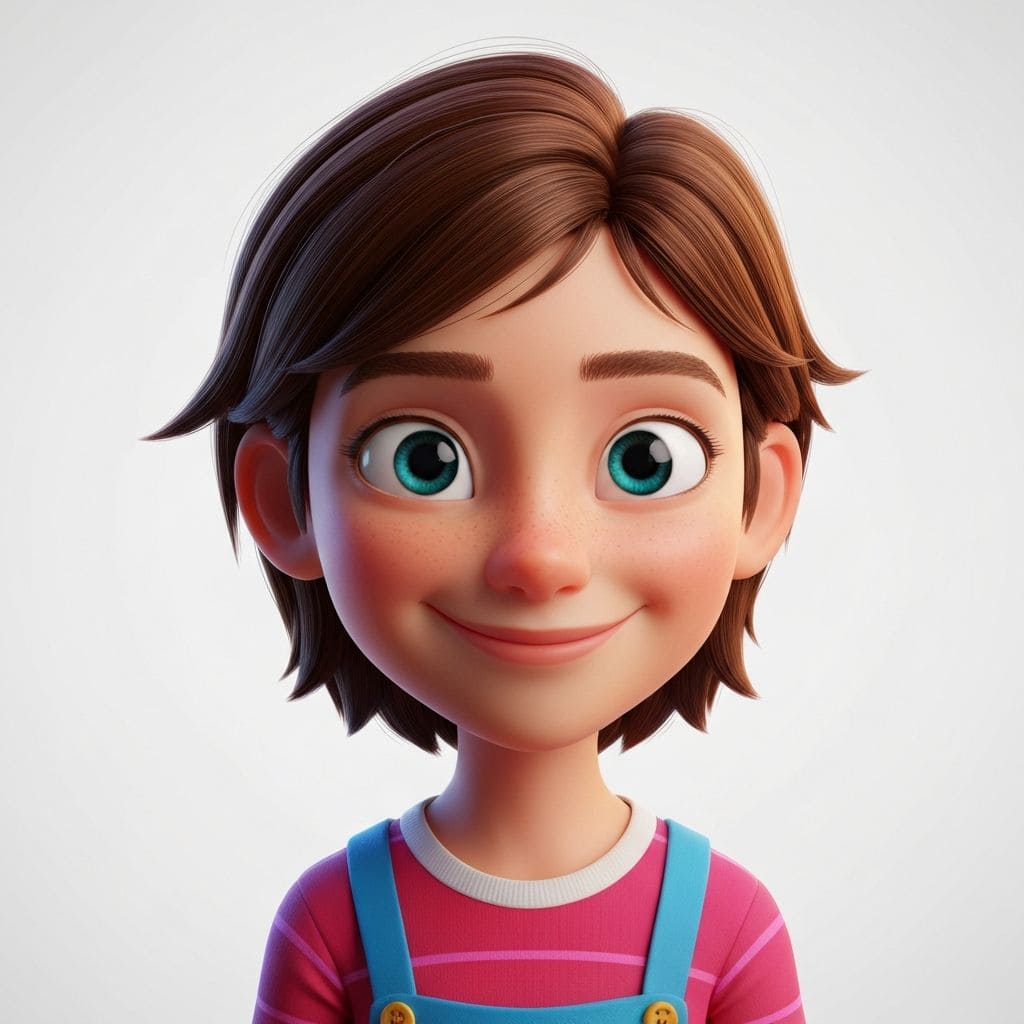
Transform any portrait into a high-quality 3D cartoon character. Choose from anime, Pixar, and comic-book styles.
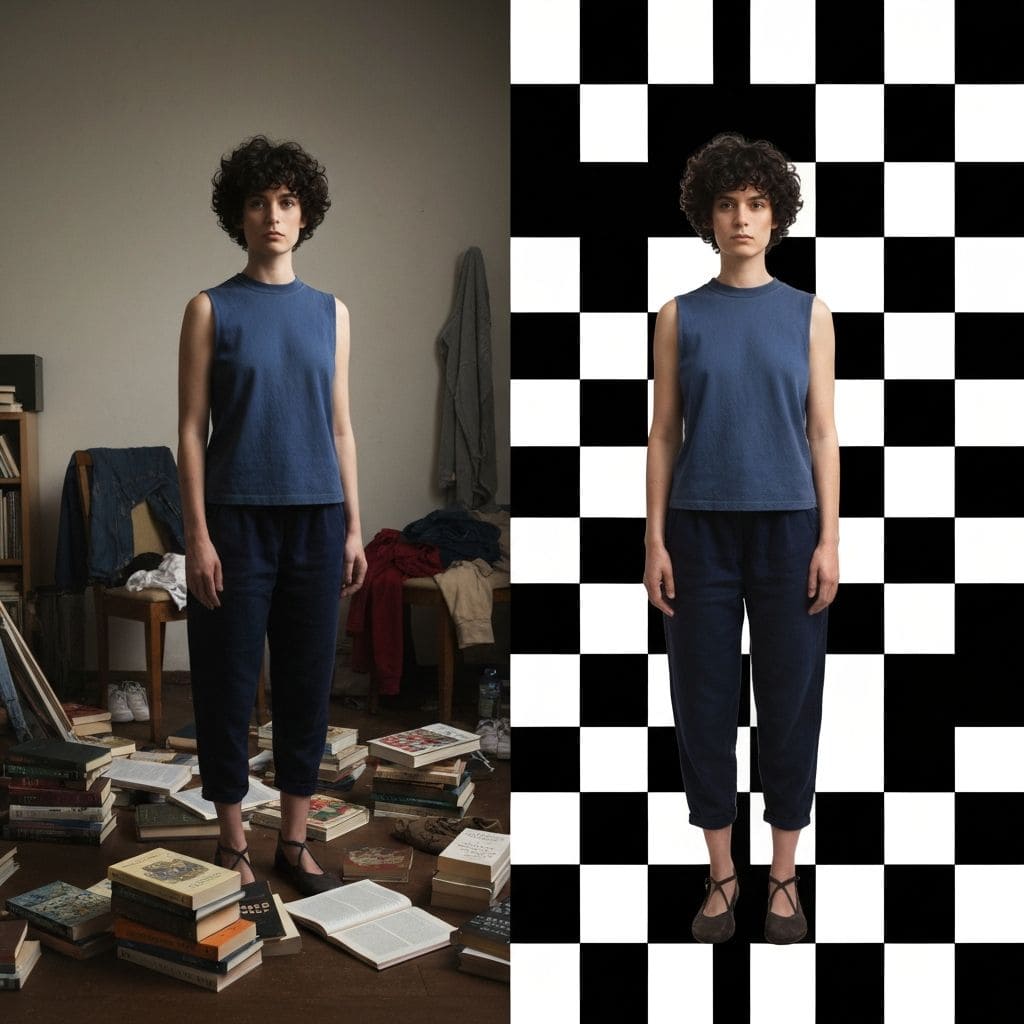
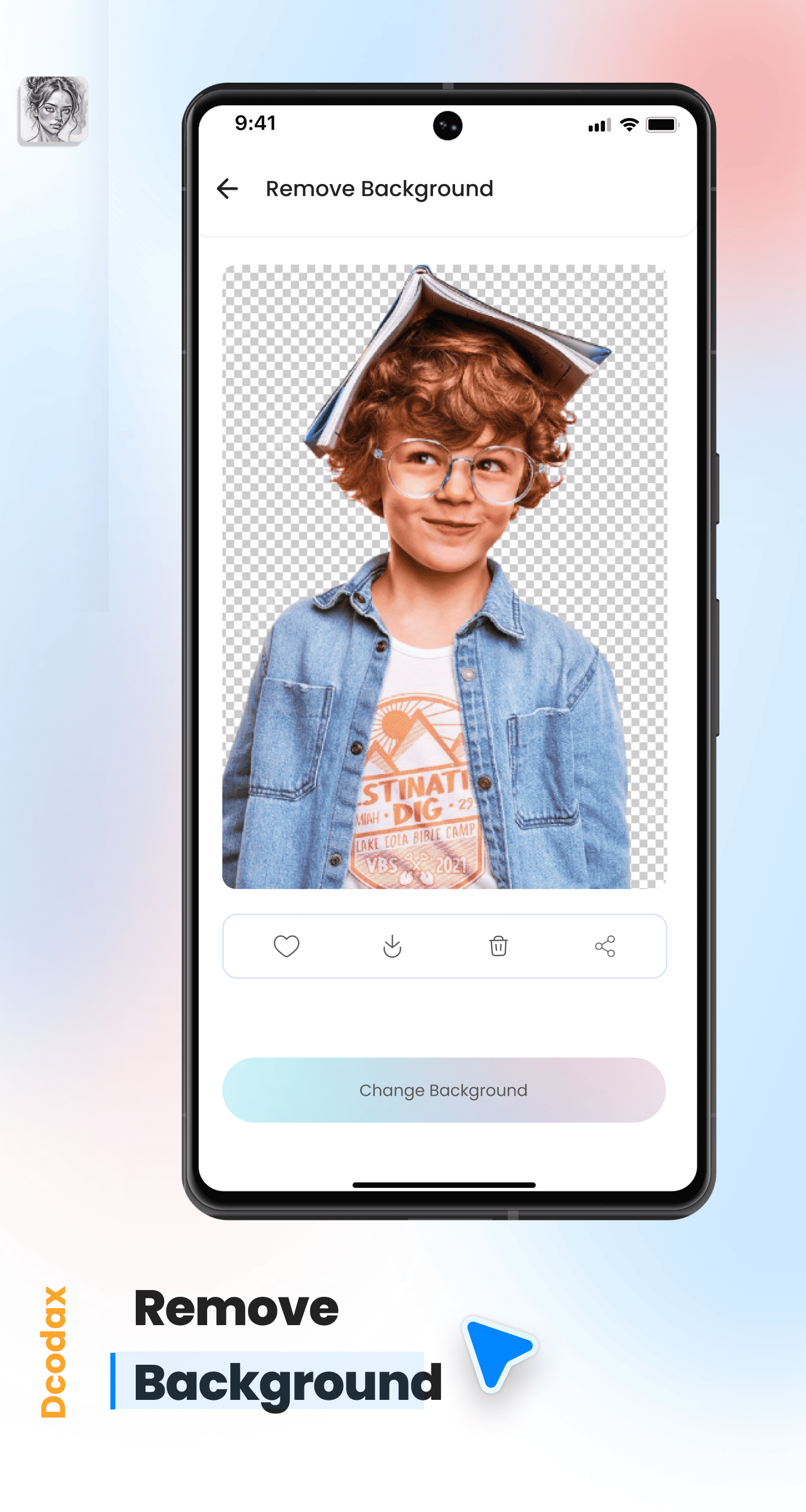
Remove backgrounds instantly with studio-grade precision. Replace with solid colors, gradients, or custom scenes.
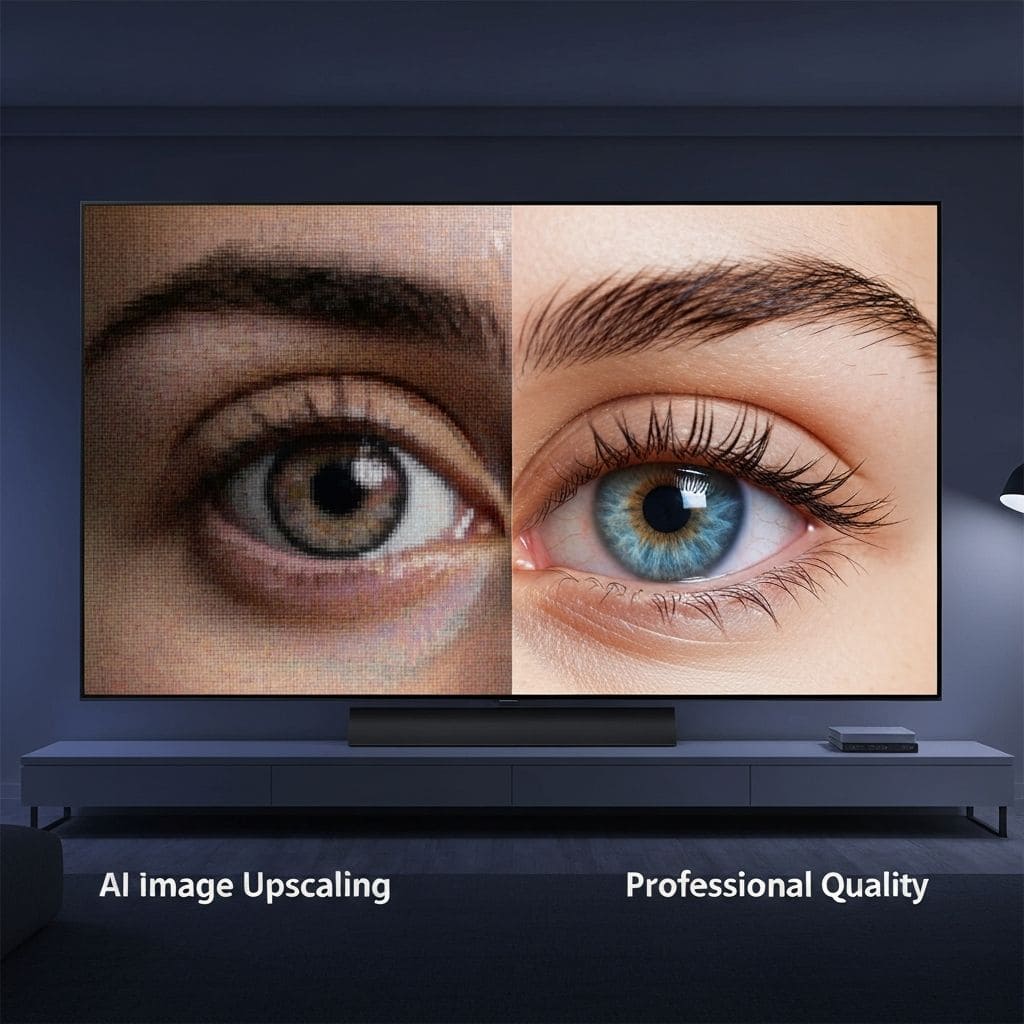
Enhance blurry, low-resolution images to crystal-clear 4K quality. Powered by AI super-resolution technology.

Swap outfits, change hairstyles, adjust lighting, and more. Intelligent edits that look completely natural.
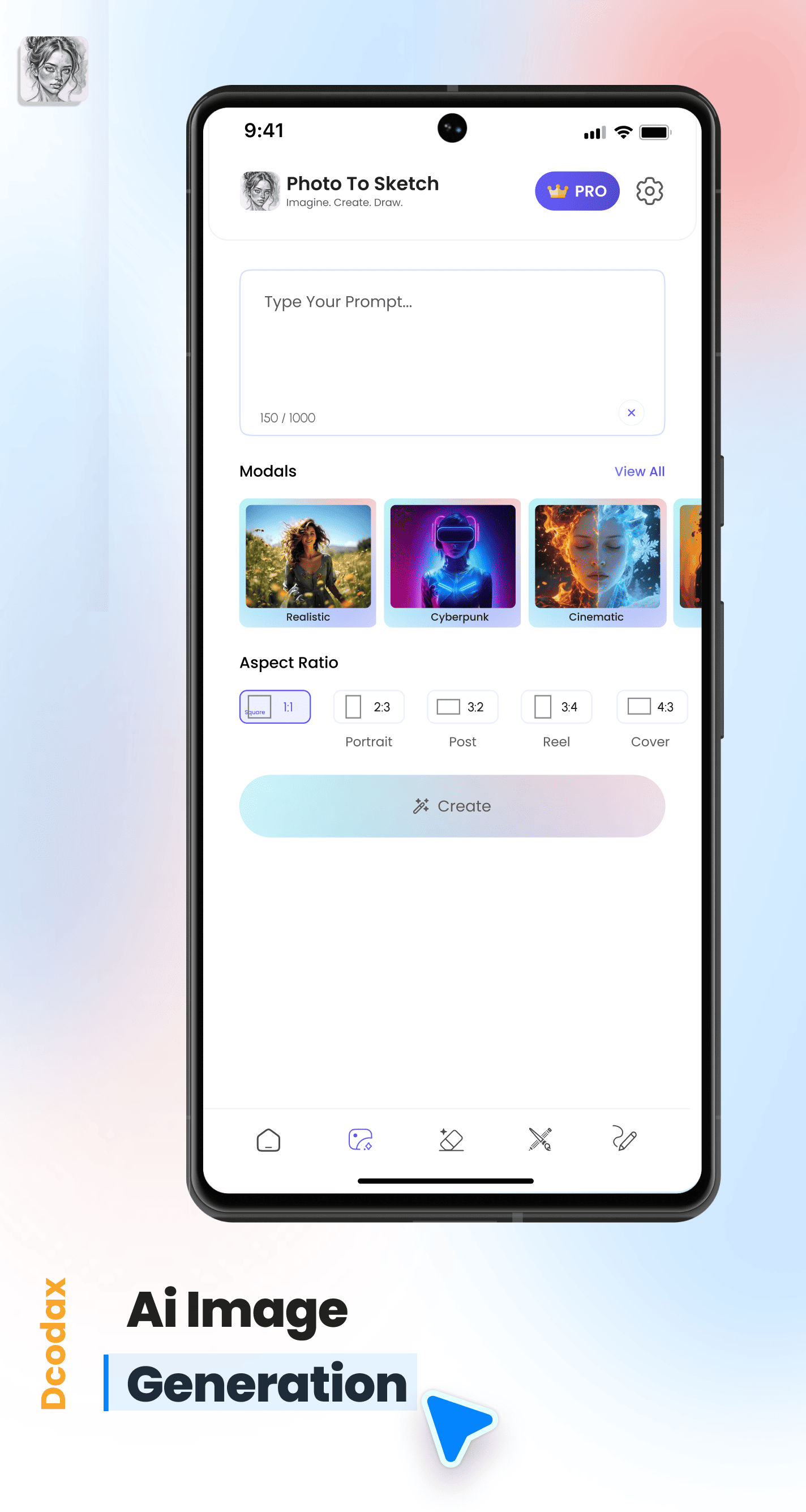
Type a prompt, generate art. From surreal landscapes to character designs, bring any idea to life with AI.
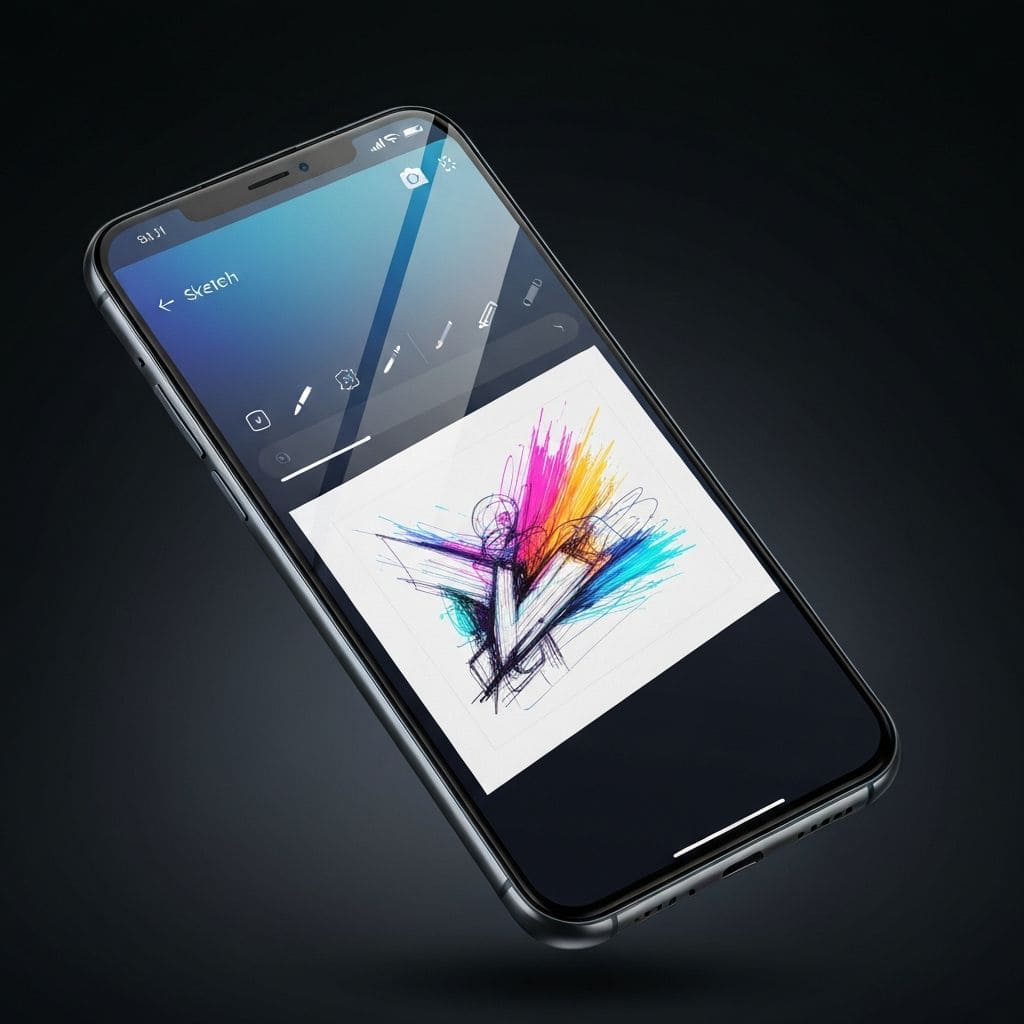
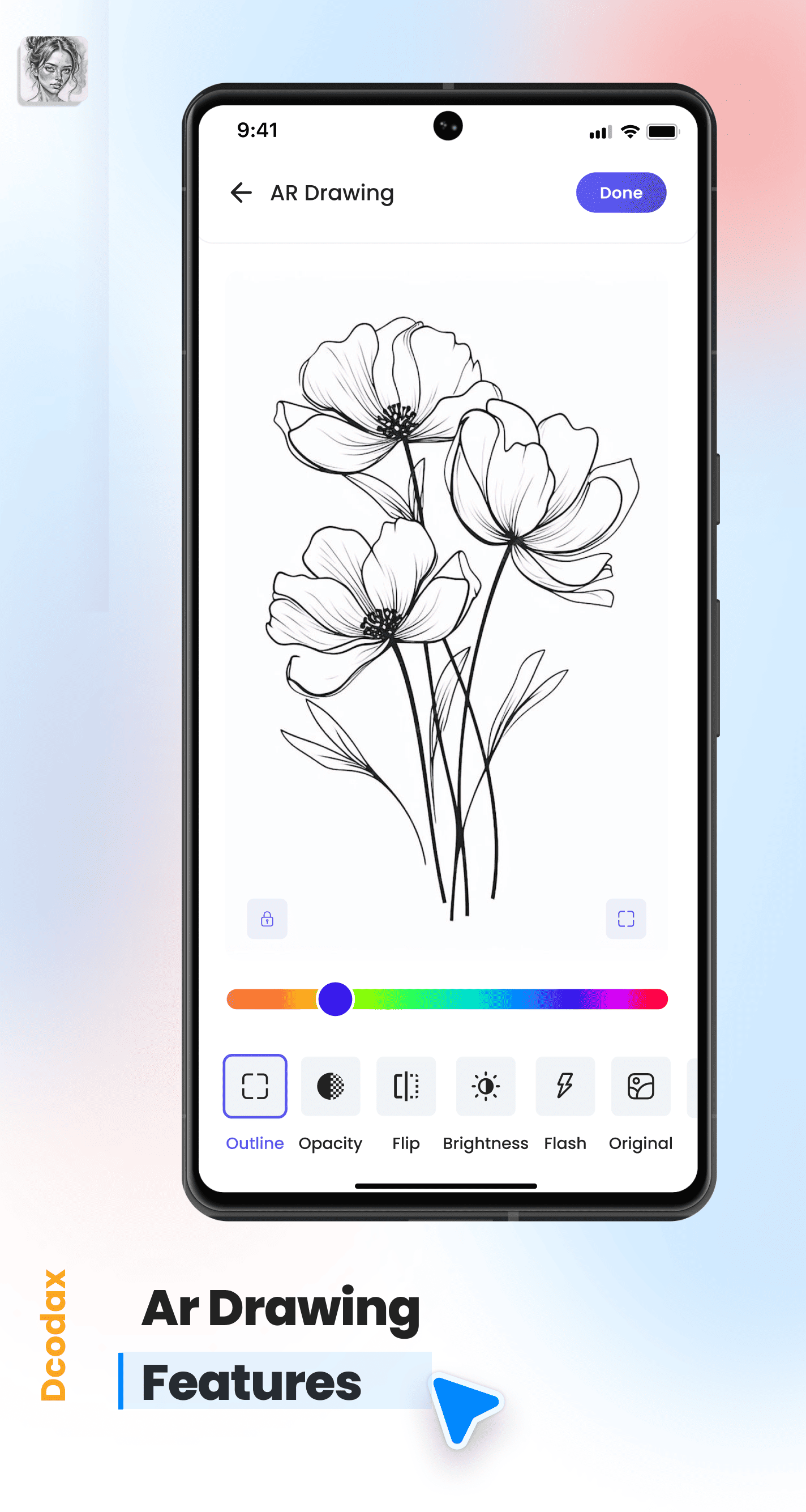
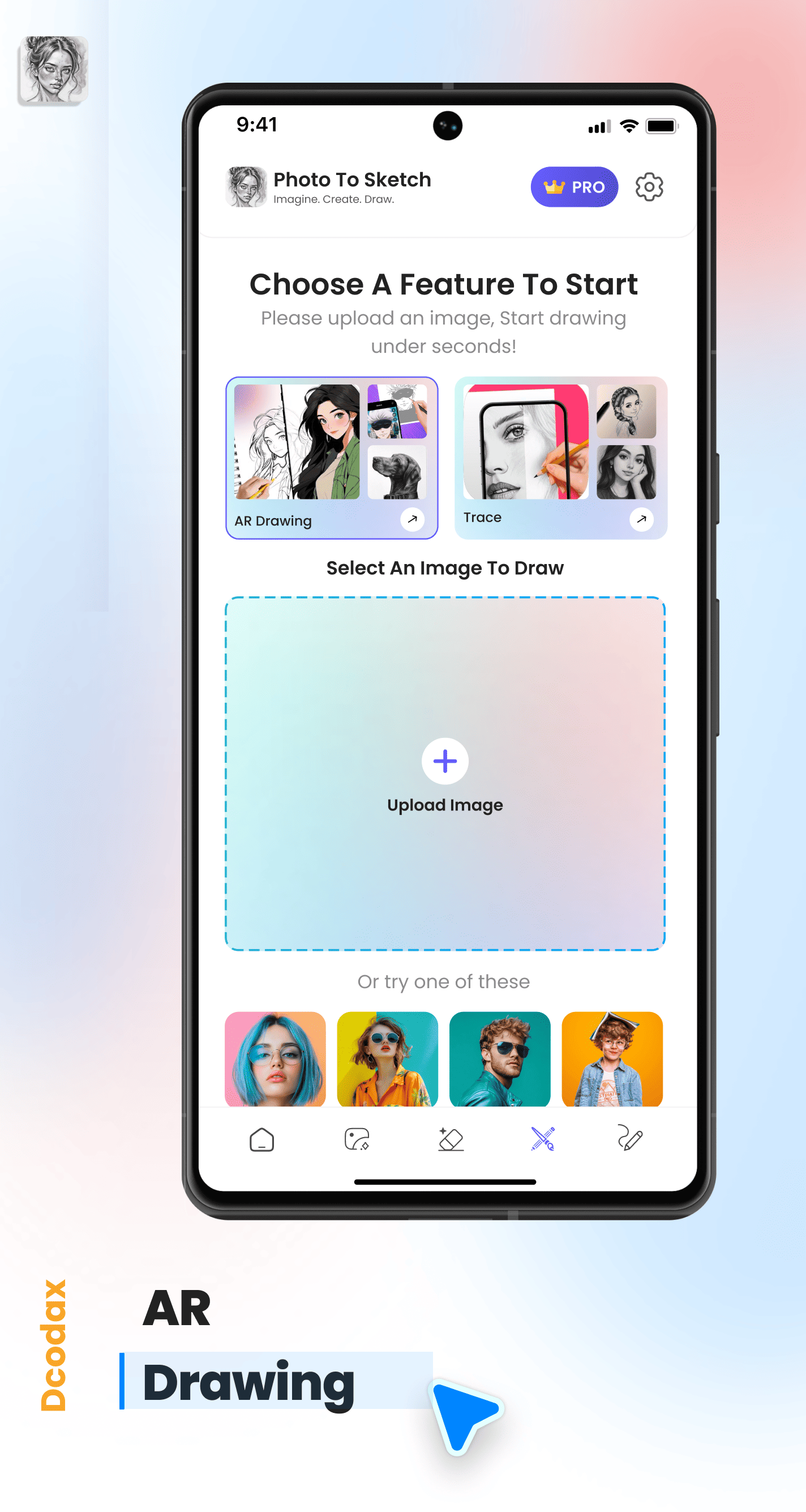
Place your phone on any surface and use the camera to trace real-world objects. The AR overlay guides your hand with precision lines and shapes — no artistic experience needed.
Unlock every art style, every AI tool, and unlimited exports.
Perfect to get started
Unlock the full creative studio
Photo to Sketch uses AI to transform your everyday photos into beautiful pencil sketches, watercolor paintings, vintage art, outline drawings, and cartoon effects. No artistic skills required — just upload a photo and let the AI do the rest.
Transform any photo into a realistic pencil drawing with precision-engineered strokes, delicate crosshatching, and natural shading.
Breathe life into your images with vibrant washes that blend and bloom. Hand-painted watercolor aesthetics in a single tap.
Capture the soul of the past with timeless sepia tones and nostalgic textures that evoke history and emotion.
Clean contours, minimalist line art, and bold outlines. The perfect foundation for precision illustrations and clarity.
Use your phone camera to project sketches onto paper. Trace real-world objects with AR-powered guides — no drawing skills needed.
Turn portraits into high-quality cartoon characters, anime styles, and comic-book art with one tap.
It only takes three simple steps to create stunning sketch art.
Select any photo from your gallery or take a new one with your camera.
Browse pencil, watercolor, vintage, outline, and cartoon styles. Adjust intensity to your preference.
Download your artwork in HD quality or share it directly to social media. Ready in seconds.
Whether you want to turn a photo into a pencil sketch, convert images to watercolor art, create vintage-style drawings, or transform portraits into cartoon characters — Photo to Sketch has every tool you need. Available free on Google Play with 100K+ downloads.
Download Free on Google Play →Got questions? We have got answers to help you get the most out of Photo to Sketch.